Plan
One list for the whole release.
Each project’s owners add the branch that is ready, checked against GitHub with its latest commit. Everyone can see who is still missing.
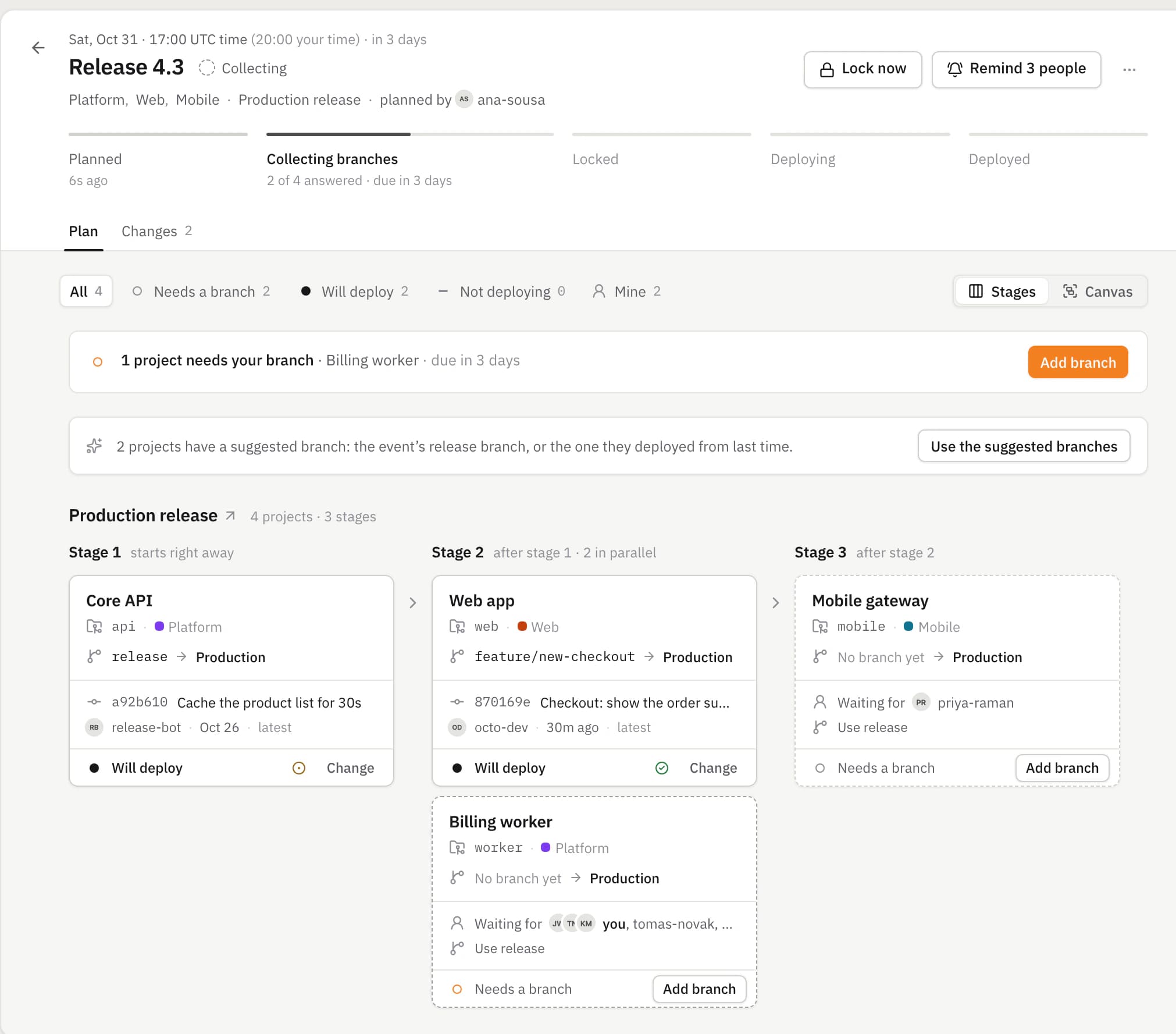
Every team adds the branch that is ready. At the deadline the list locks, and DevOps deploys it in order with GitHub Actions: when one deployment finishes, the next one starts.
Product
Plan it with the teams that own the code, chain the deployments once, and watch every step as GitHub runs it.
Plan
Each project’s owners add the branch that is ready, checked against GitHub with its latest commit. Everyone can see who is still missing.
Notify
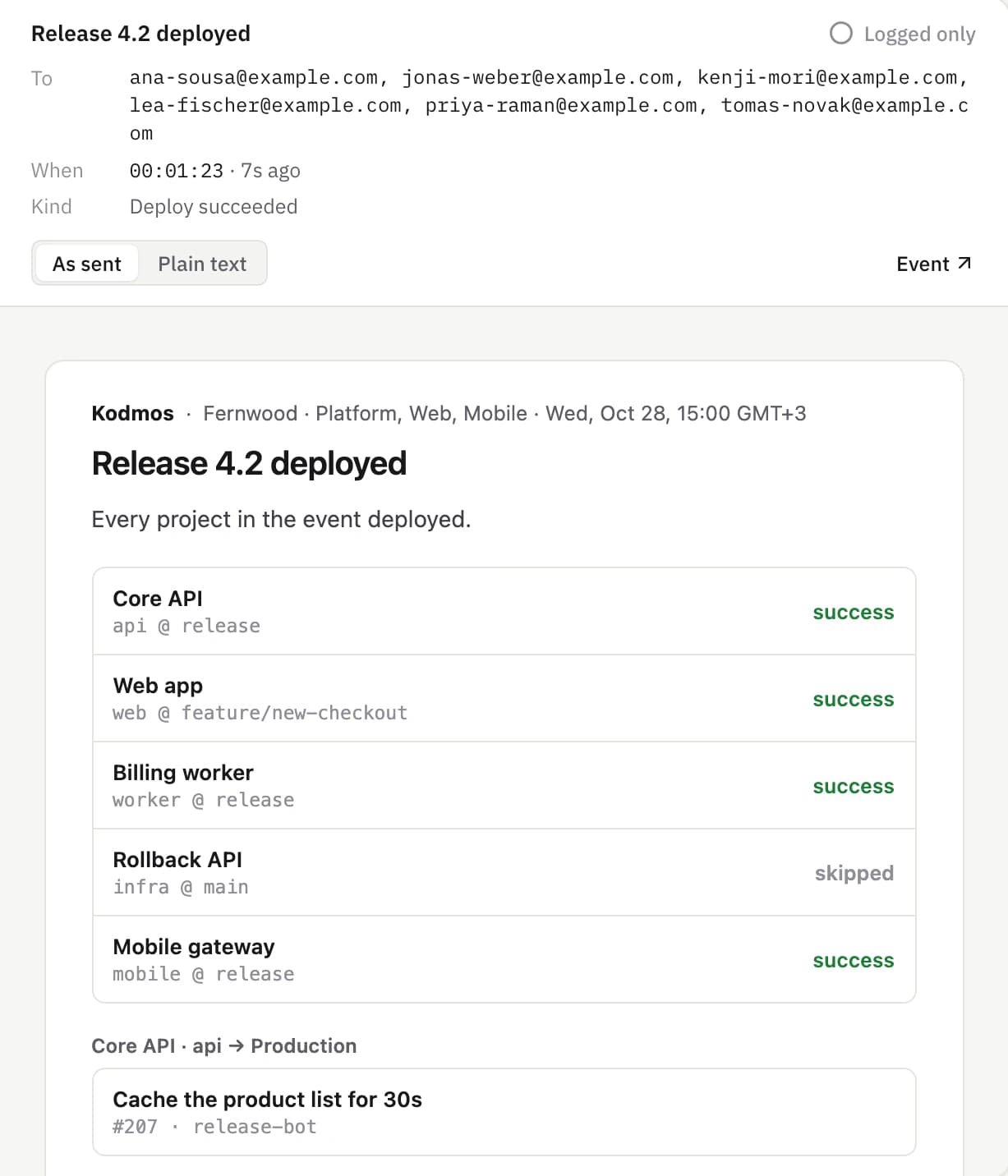
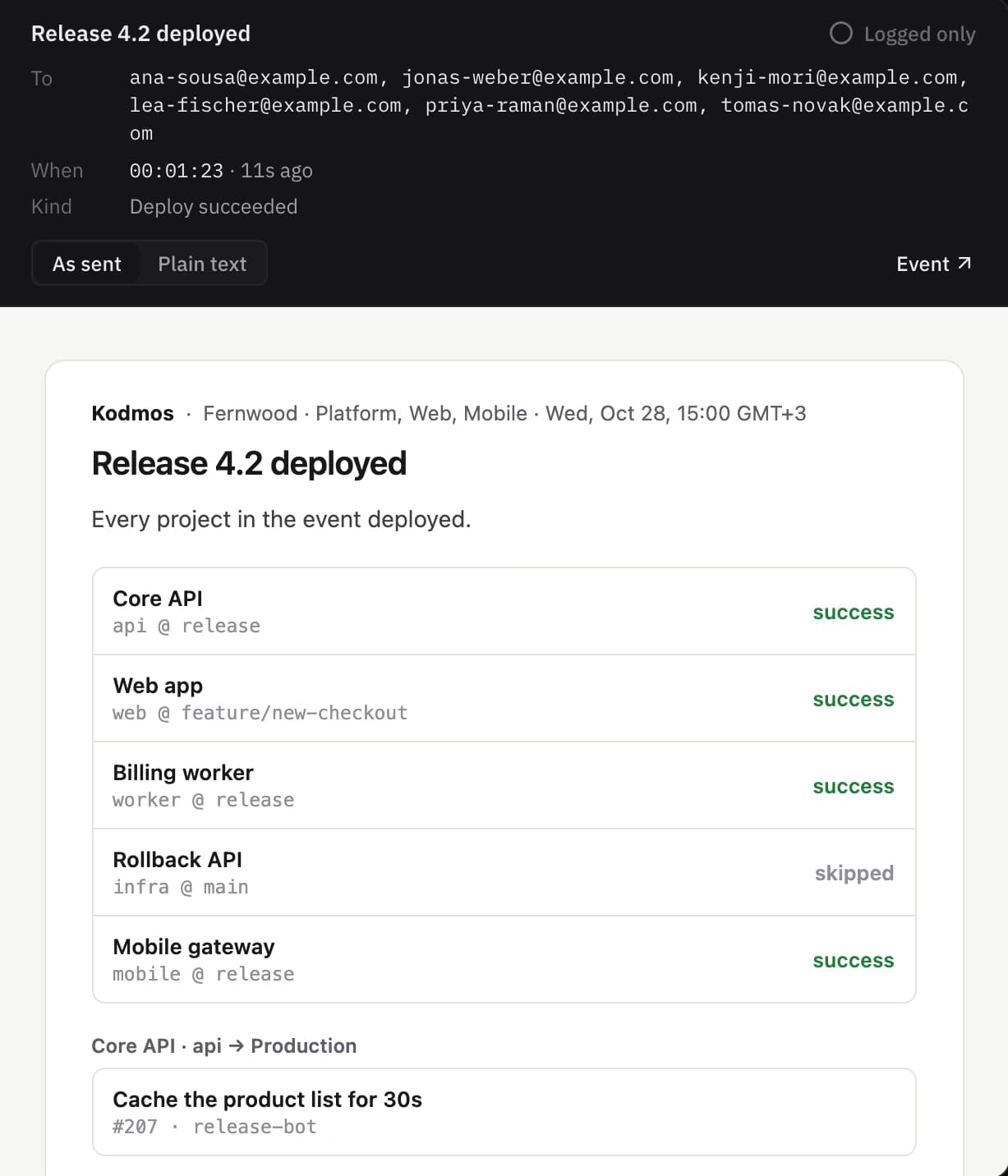
One email per person, only to the people involved, never to whoever caused it. Each with just the projects that concern them.
Watch
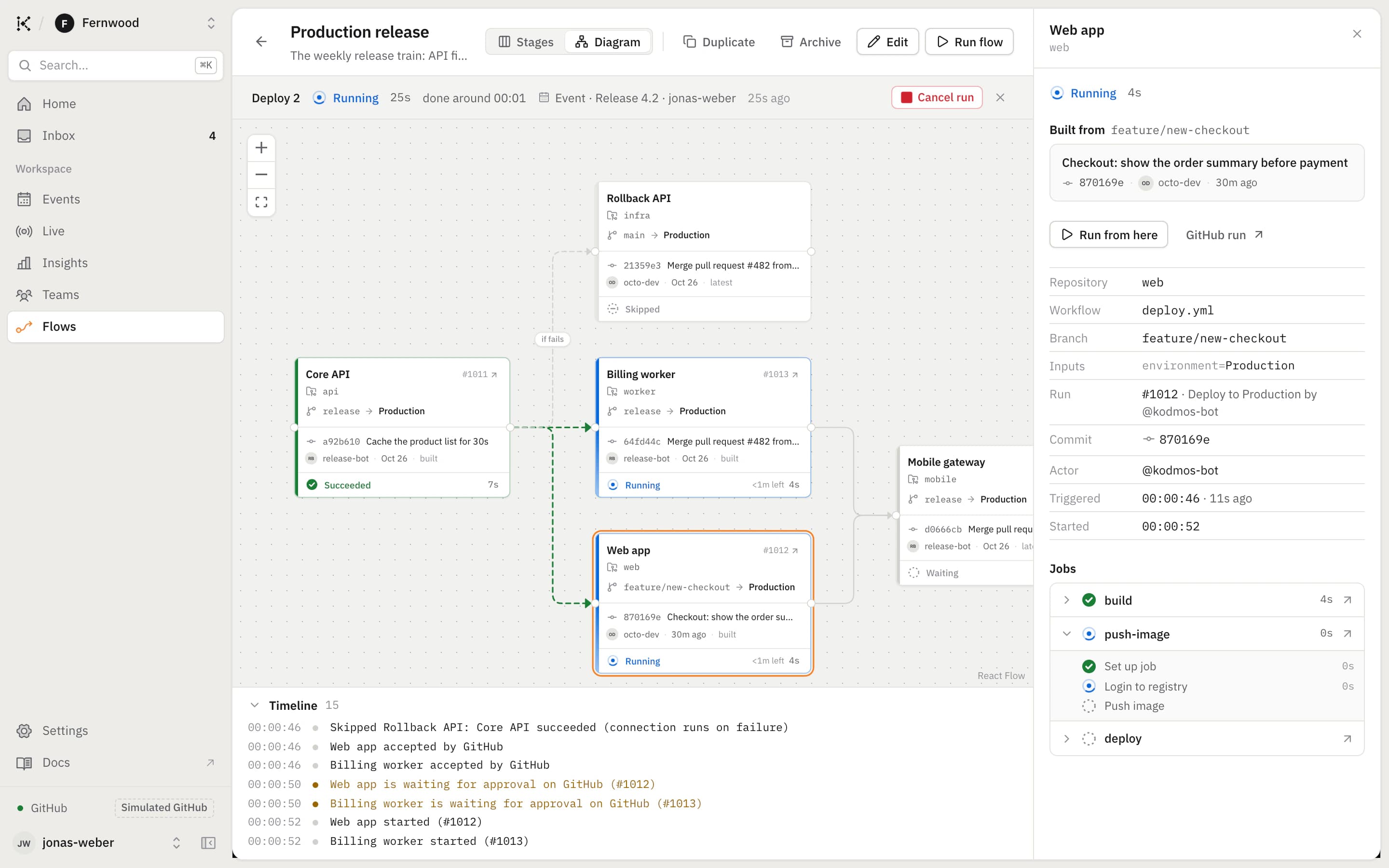
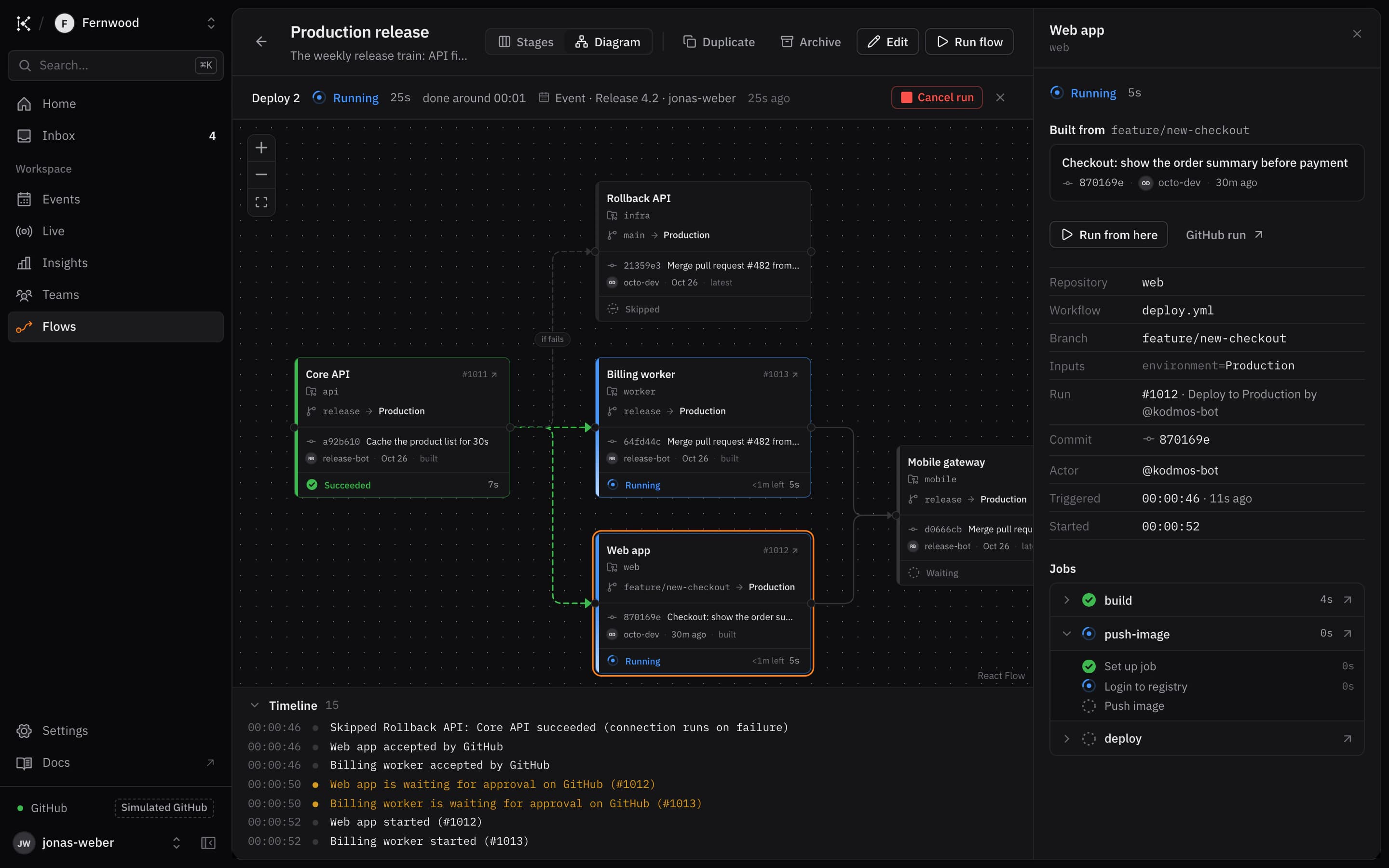
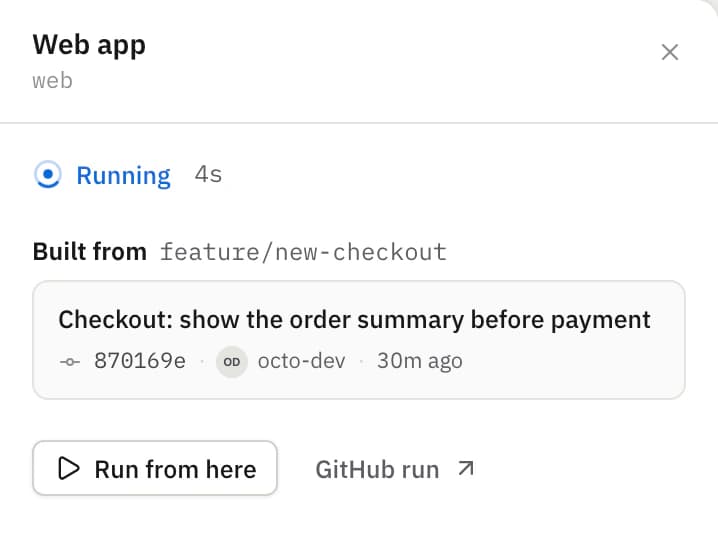
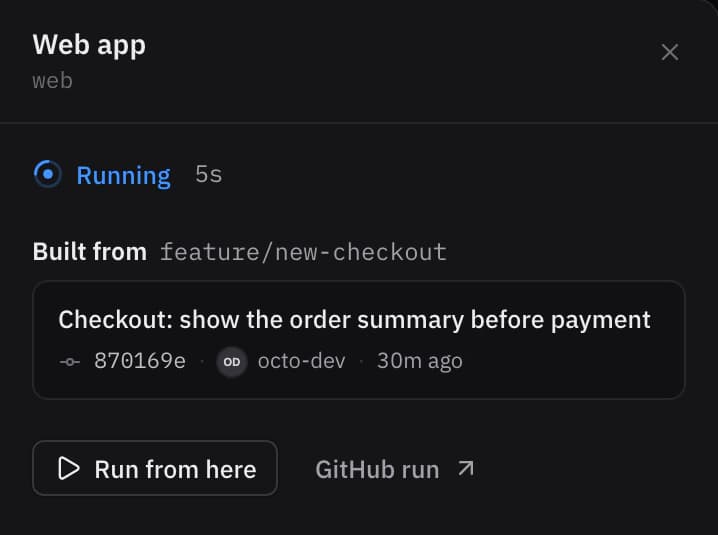
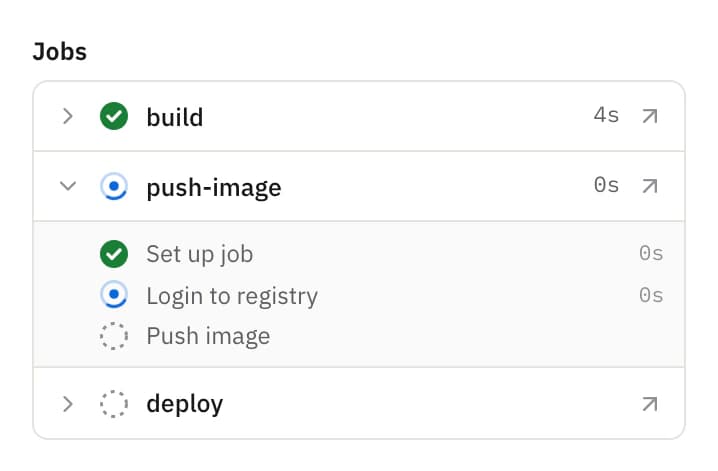
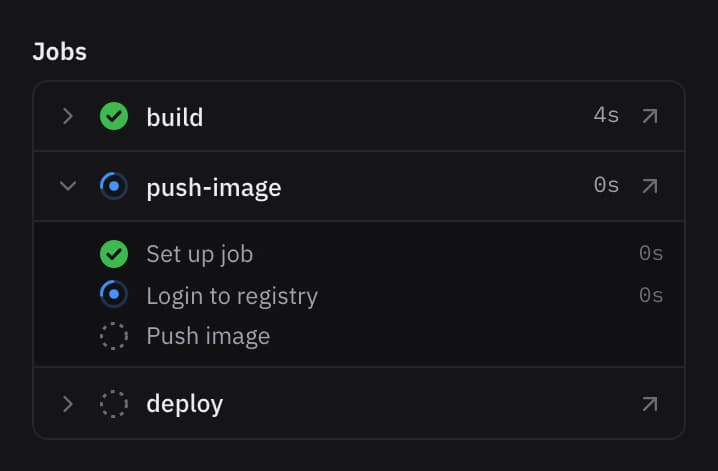
Each box shows its GitHub run live: queued, waiting for approval, running, done. Open one to follow its jobs, retry it, or run on from there.
Chain
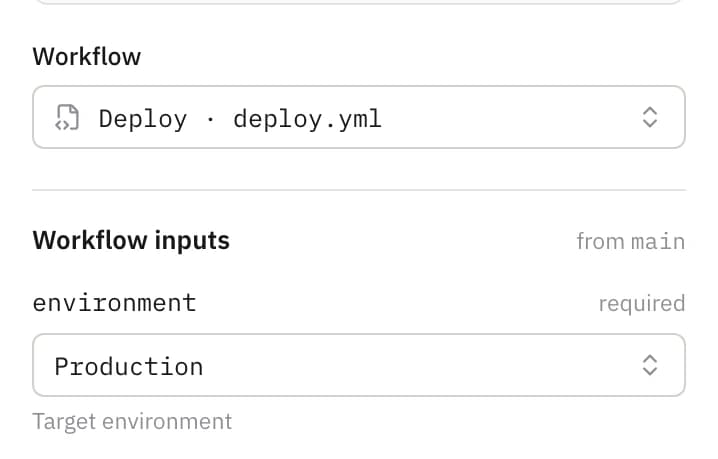
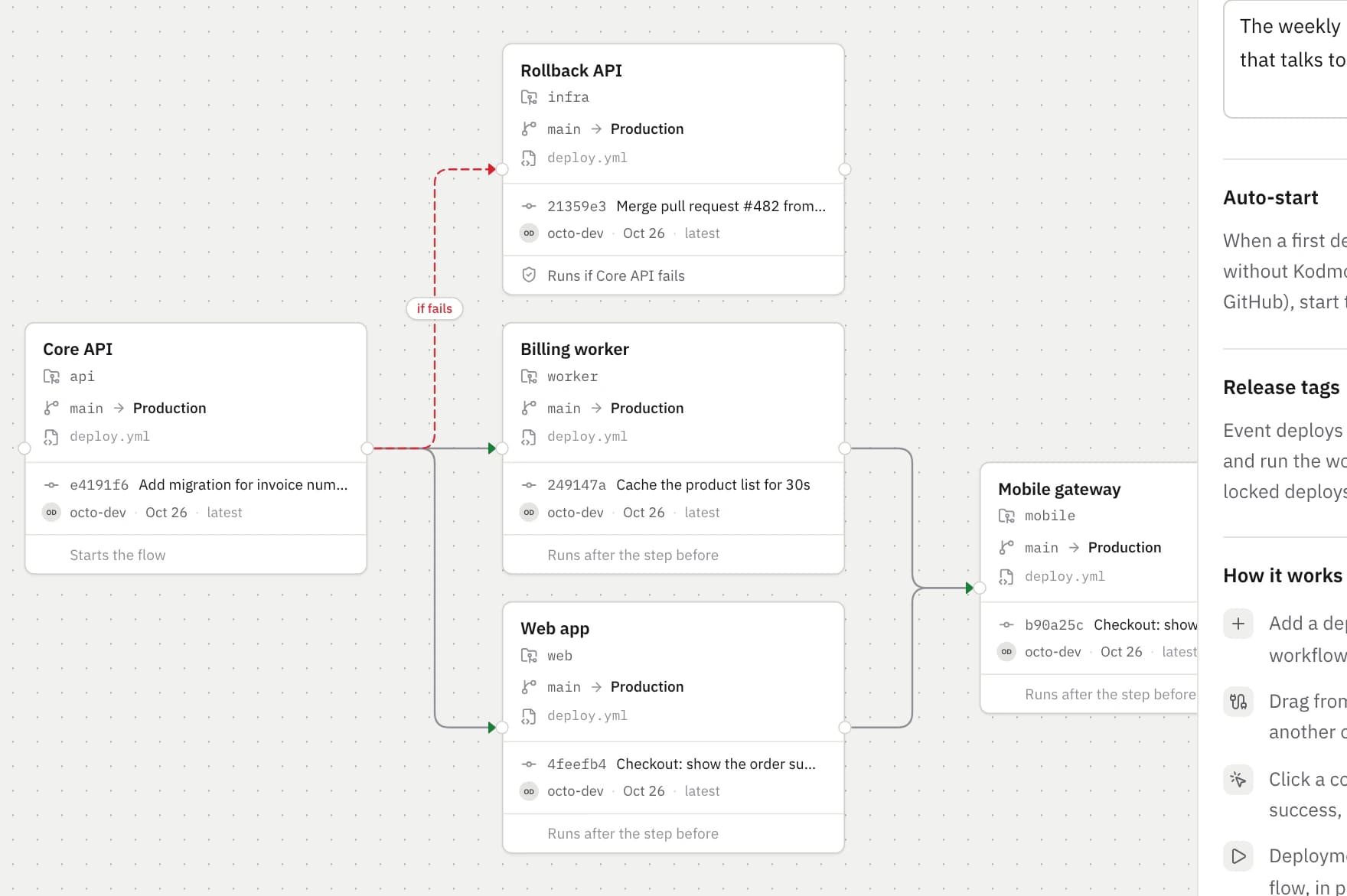
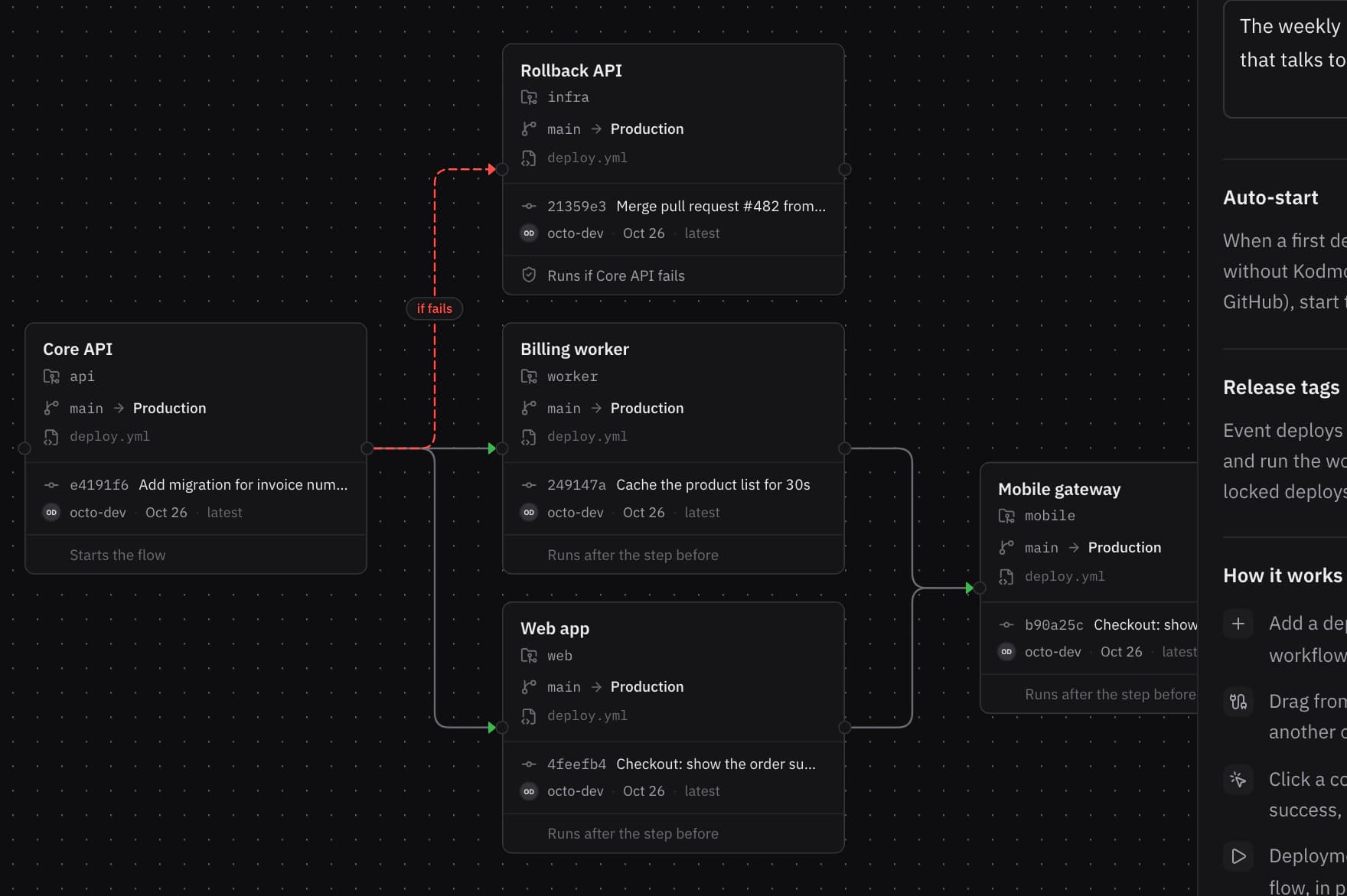
Draw a flow once. Connect the boxes on success, on failure for rollbacks, or always. Inputs come from the workflow file, so an environment is a dropdown.
Your week
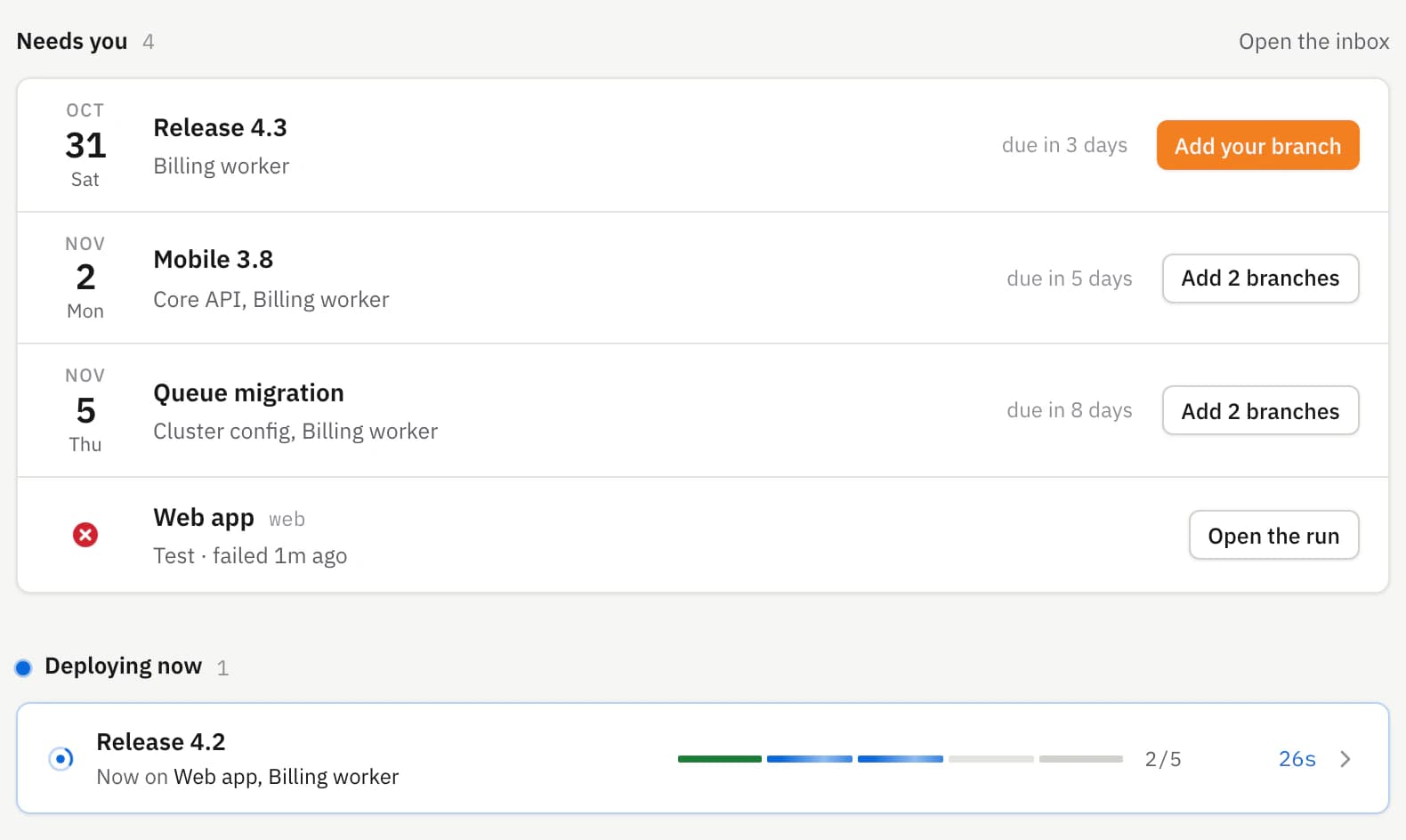
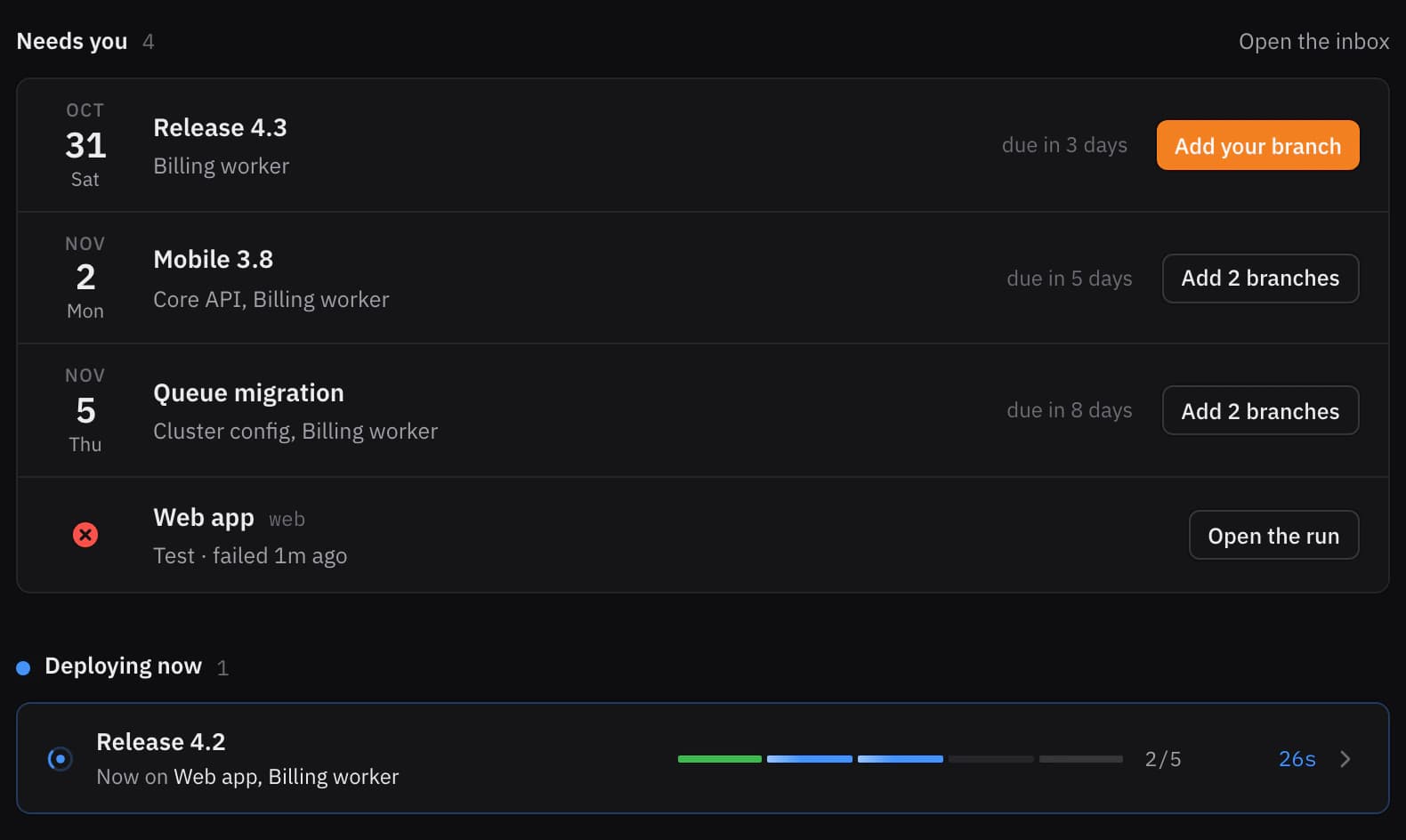
Home starts with the branches you owe, then what is deploying right now and every release coming up.
Oversee
Each flow with its latest deploy, so a red step anywhere is hard to miss.
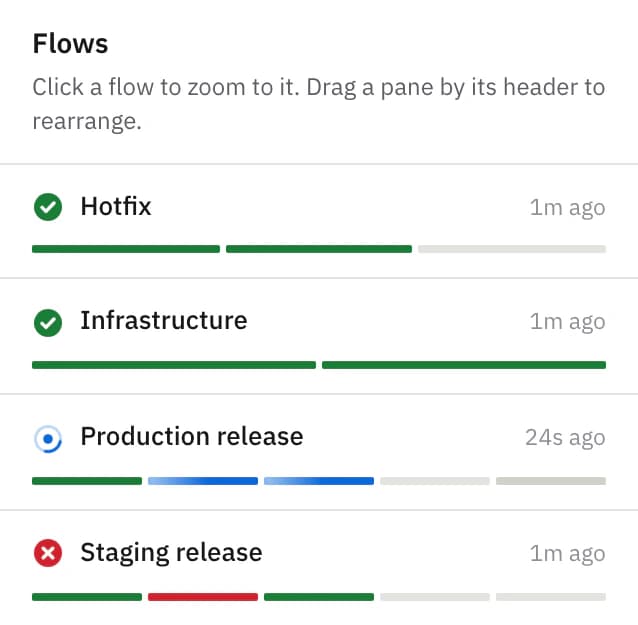
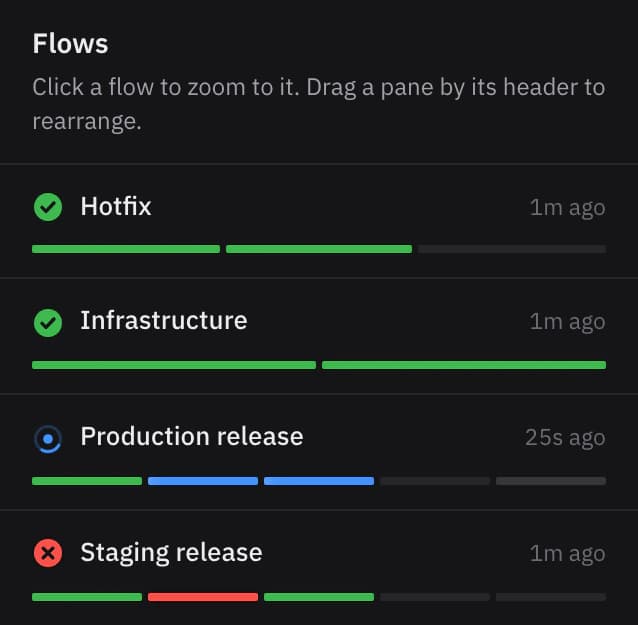
A push to staging, or someone pressing Run workflow on GitHub, starts the rest of the flow from that run.
Protection rules still apply. A run waiting for a reviewer shows as Needs approval, and the chain waits with it.
Retry a failed deployment and the chain carries on from there. Every attempt keeps its own GitHub run.
A day and two hours before the deadline, only to the people whose projects are still waiting.
Anyone plans and answers; DevOps deploys; the owner decides who gets in. Enforced by the API.
Turn the Test release into the Production one in a click. Auto-start is off on the copy.
How it works
A deployment event is a release day. It moves through five steps, and the right people hear about each one without anyone chasing.
Anyone plans a release day: the date, the teams, the flows that deploy it, a deadline for branches.
Owners add the branch that is ready, or say it is not deploying. Reminders go to whoever is still missing.
At the deadline the list locks itself. The planner and DevOps hear when every project has answered.
DevOps deploys. Every flow starts at once, and each repository runs from its branch, in order.
Everyone involved gets each project’s result. A failed step is retried from the event, same branch.
Use cases
The same three ideas, events, flows and teams, cover the weekly train, the 6 pm hotfix and everything in between.
Platform, Web and Mobile each add a branch by Wednesday; on Thursday the API deploys first, then everything that talks to it.
One branch straight to production. If the API fails, the rollback runs on its own and the web app is skipped.
Auto-start attaches to the workflow GitHub ran for a push and carries the chain on from there.
Cluster changes wait for the environment’s reviewers; the worker that depends on them starts only once they are done.
Security
Kodmos is a GitHub App. Your organization’s owner installs it on the repositories it may see, and runs are started by the app, so GitHub shows who did what.
Connect your GitHub organization, invite your team, and put the next release day on the calendar.