Ship a hotfix with the rollback already armed
Deploy a fix straight to production across repositories, with a rollback workflow that runs by itself if the deploy fails and a retry that keeps the same branch.
Decide the way back before you need it
Hotfixes go out under pressure, often late in the day and often touching more than one repository. If the deploy fails at that point, working out how to roll back turns one incident into two. The way back should be decided, and wired up, before anyone presses deploy.
Draw the rollback into the flow
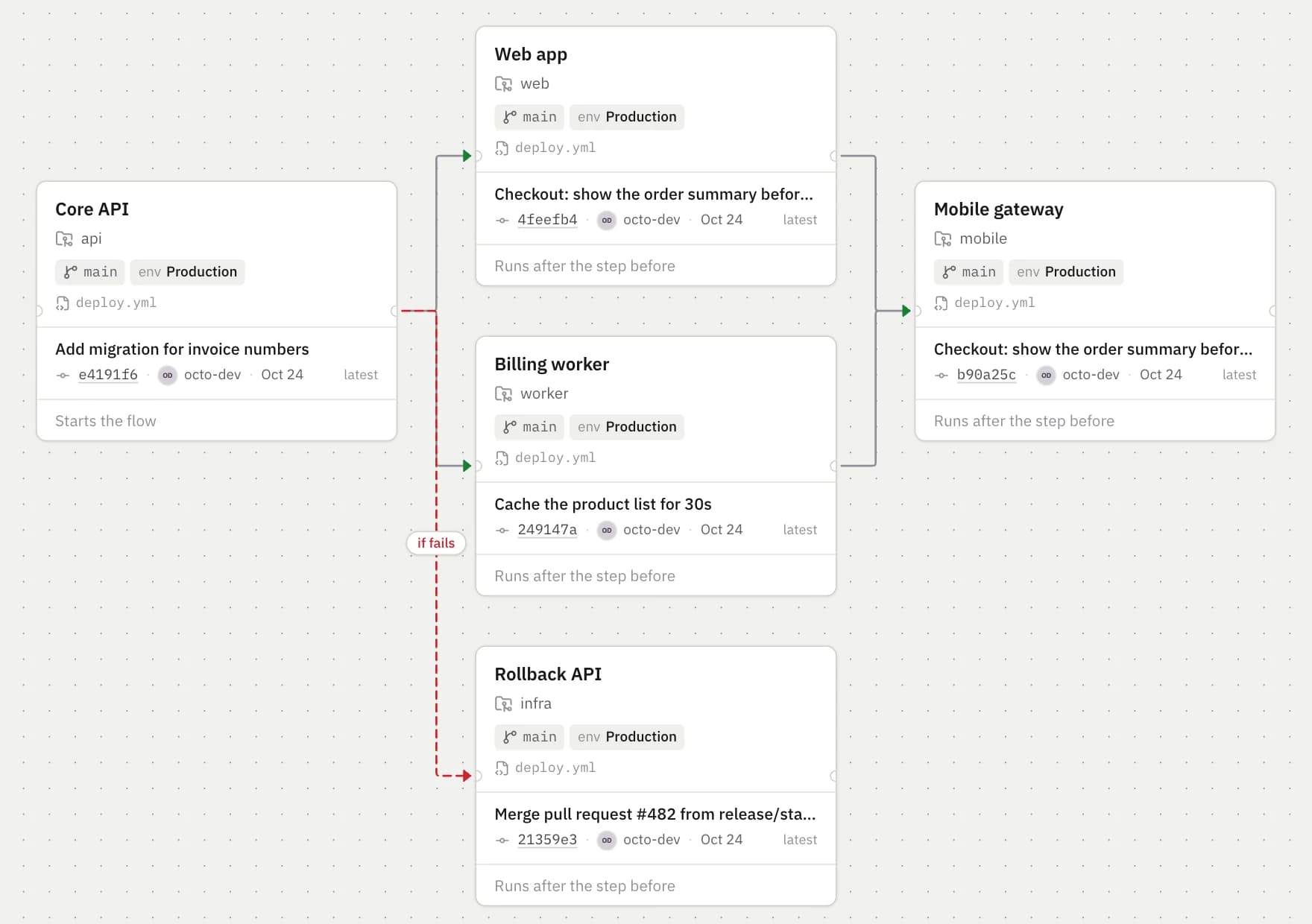
In Kodmos a rollback is just another box: a repository and a workflow that restores the last good version. Connect it to the deployment it protects, and choose when the connection fires.
- On success: the usual chain, for example the Core API and then the web app.
- On failure: runs only if the step before fails, or could not be triggered at all.
- Always: runs after either outcome, for clean-up or a notification.

name: Rollback
on:
  workflow_dispatch:
    inputs:
      environment:
        type: choice
        options: [Test, Production]
        required: true

jobs:
  rollback:
    runs-on: ubuntu-latest
    environment: ${{ inputs.environment }}
    steps:
      - uses: actions/checkout@v4
      - run: ./scripts/rollback.sh "${{ inputs.environment }}"
Plan the hotfix as a small event
A hotfix is an event like any other, just smaller: today, the teams involved, the Hotfix flow. The owners add the fix branch, and DevOps deploys as soon as both answers are in.
When the deploy fails
If the API deploy fails, everything that waits on its success is skipped, so the web app never ships against a broken API, and the rollback starts by itself. Everyone involved gets each project’s result by email, and DevOps hears about the failure.
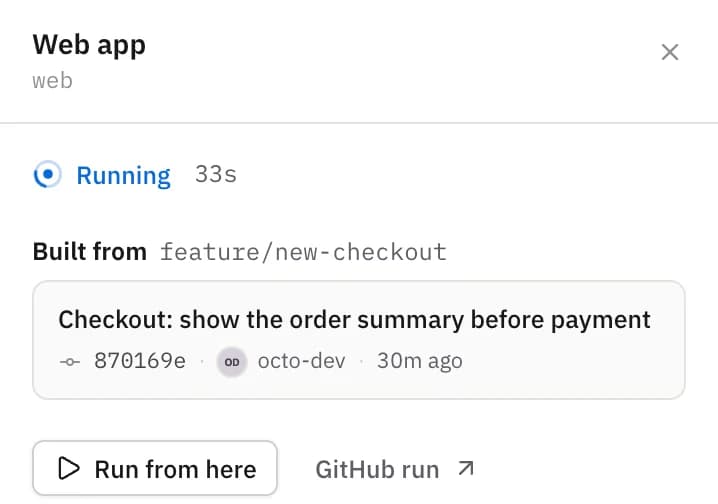
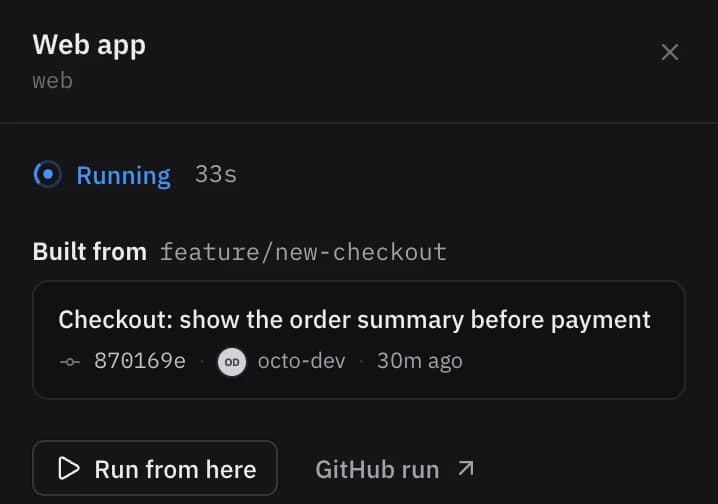
- Retry the failed deployment from the event: it keeps the event’s branch, and the chain carries on from there.
- Every attempt keeps its own GitHub run and jobs, so nothing in the history is overwritten.
- Or deploy the whole event again once the fix itself is fixed.
Approvals still apply
If production is a protected environment on GitHub, its required reviewers still approve the run. Kodmos shows the deployment as Needs approval and waits; it never goes around your protection rules.
More use cases
How to run a weekly release train across GitHub repositories
Platform, Web and Mobile each add a branch by Wednesday; on Thursday the API ships first, then everything that talks to it.
Deploy staging on every push, across repositories
Auto-start attaches to the workflow GitHub ran for a push and carries the chain on from there.
Ship infrastructure before services, with environment approvals
Cluster changes wait for the environment’s reviewers; the worker that depends on them starts only once they are done.