How to run a weekly release train across GitHub repositories
Collect the branch each team has ready, lock the list at a deadline, and ship every repository in order with GitHub Actions, without a spreadsheet or a forty-message thread.
Why release trains break down
When a release spans several repositories, the deploy itself is rarely the hard part. The hard part is knowing which branch each team means to ship, who still owes one, and in what order everything has to go out. That knowledge usually lives in a spreadsheet, a pinned thread and one person’s memory.
A release train fixes the rhythm: a set day, a deadline for branches, a fixed order. Kodmos turns that rhythm into one page everyone can see, and into a chain of GitHub Actions deployments that runs in that order.
Set up the train once
Two things describe a train in Kodmos: teams, which own repositories, and a flow, which says what deploys after what.
- Create a team for each group that owns code, for example Platform (
api,infra,worker), Web (web) and Mobile (mobile). - Draw the flow. Each box is a repository, a branch and one of its GitHub Actions workflows. Connect the Core API to the web app and the billing worker on success, and both of those to the mobile gateway.
- Make the flow each team’s default, so it is already picked whenever someone plans a release for them.
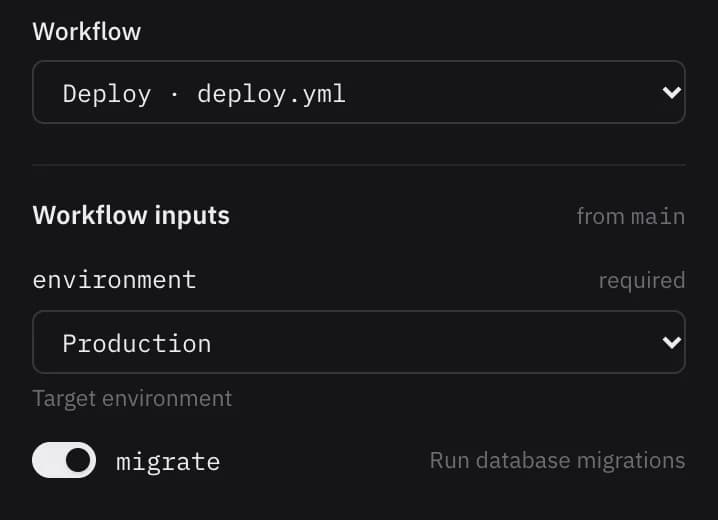
Your workflows stay in your repositories. Kodmos needs them to accept workflow_dispatch, and it reads their inputs from the branch the box points at, so an environment choice shows up as a dropdown and a boolean as a switch.
name: Deploy
on:
  workflow_dispatch:
    inputs:
      environment:
        description: Target environment
        type: choice
        options: [Test, Production]
        required: true

jobs:
  deploy:
    runs-on: ubuntu-latest
    environment: ${{ inputs.environment }}
    steps:
      - uses: actions/checkout@v4
      - run: ./scripts/deploy.sh "${{ inputs.environment }}"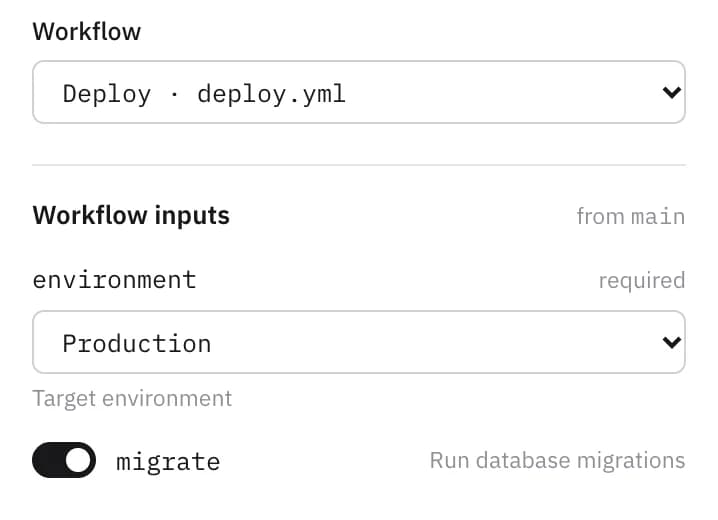
Plan the release day
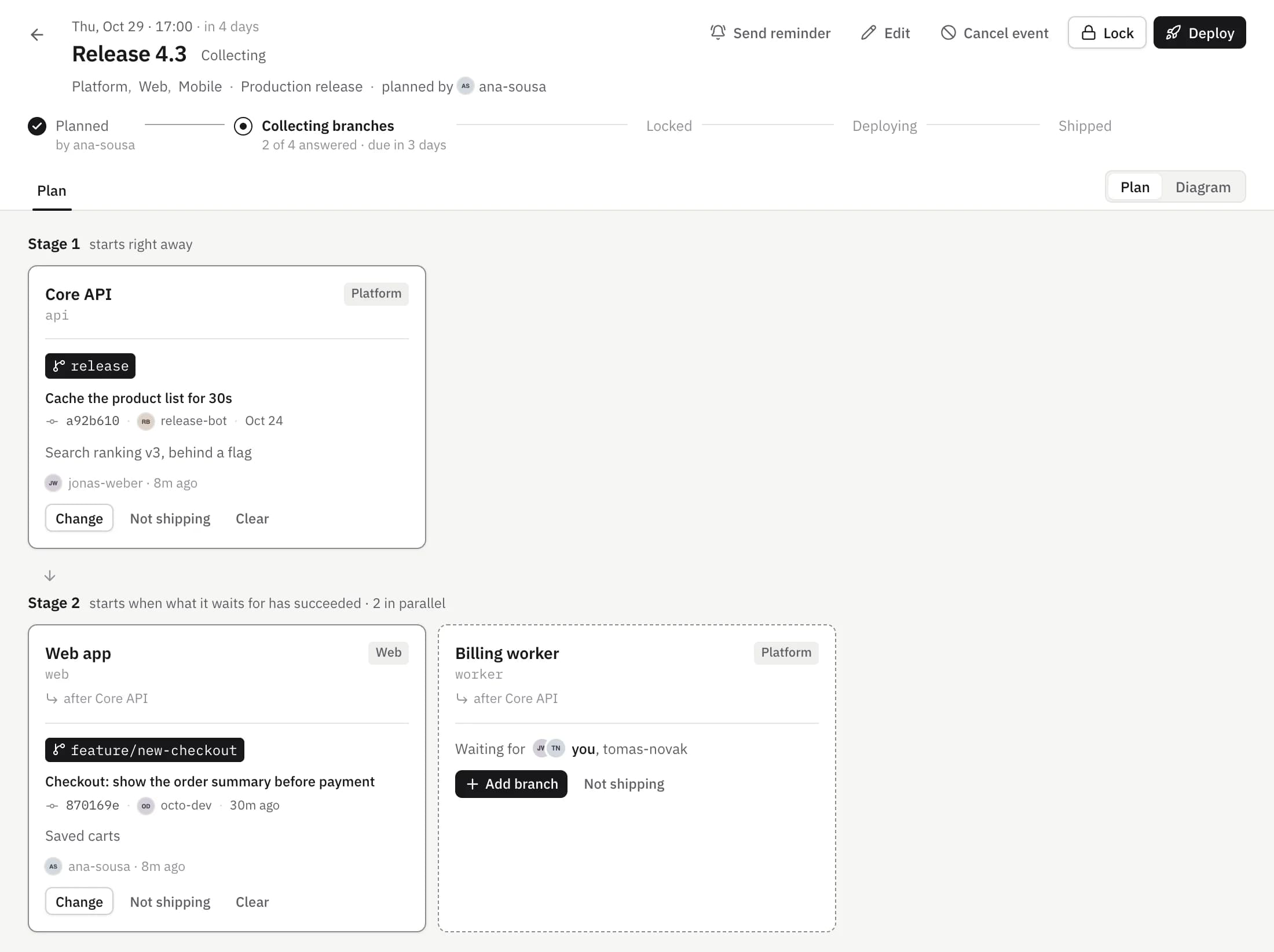
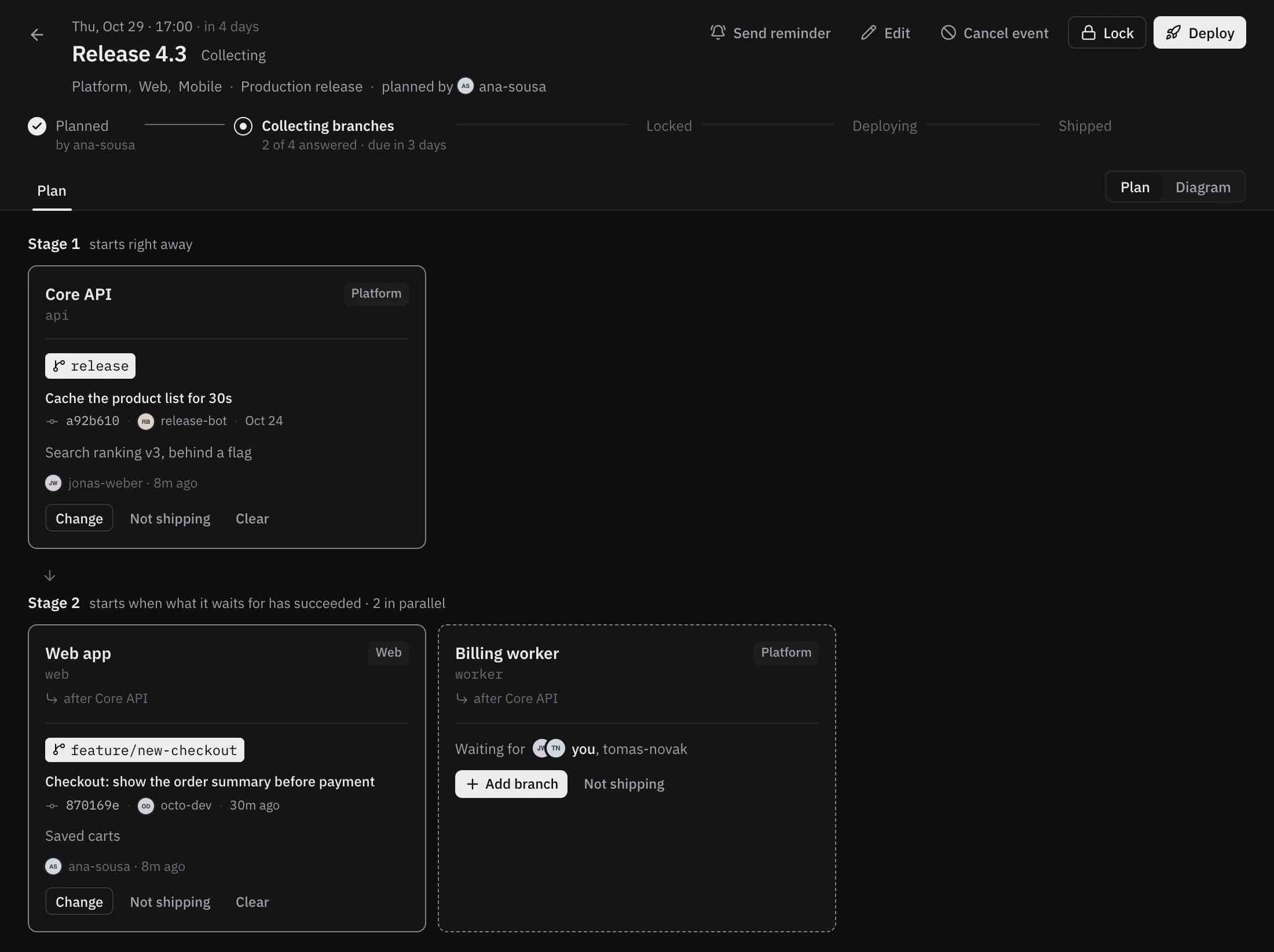
Anyone can plan an event with Plan deployment: the day and an optional deploy time, the teams it is for, the flows that ship it, and a deadline for branches. Every deployment in those flows becomes a project of the event, grouped into stages; a stage runs after the one before it succeeds.
Collect branches without chasing anyone
Each project waits for an answer: the branch that is ready, checked against GitHub along with its latest commit, or “not shipping” this time. The people asked are the members of the team that owns the repository.
- Everyone asked gets an email when the event is planned.
- A reminder goes out a day, and again two hours, before the deadline, only to people whose projects are still waiting, listing just theirs.
- Anyone can send a nudge, at most every ten minutes.
At the deadline the list locks itself. The planner and DevOps hear the moment every project has an answer, and everyone involved hears when it locks. DevOps can still lock early or reopen it by hand.
Ship it in order
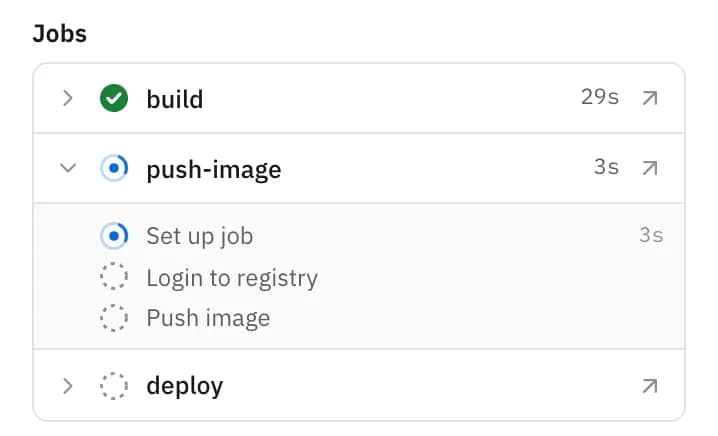
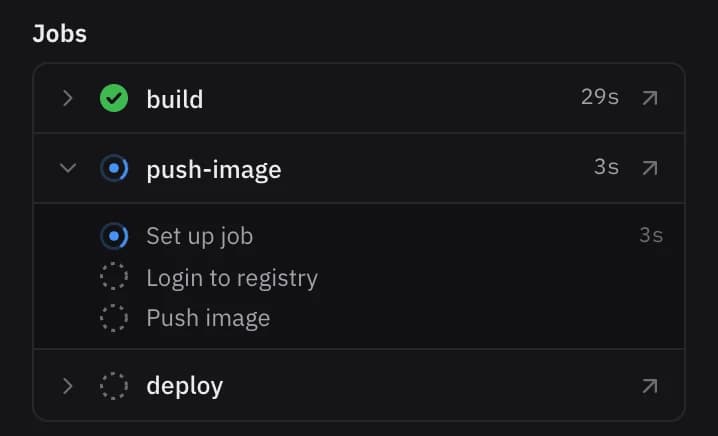
On the day, DevOps presses Deploy. Every flow with ready projects starts at once, and within a flow each project runs from its branch in the flow’s order. Each flow is checked against GitHub first, so if one workflow would be rejected, nothing starts half-way.
If a project in the middle is not shipping this week, the order still holds. With the web app left out, the mobile gateway still waits for the API.
After the train
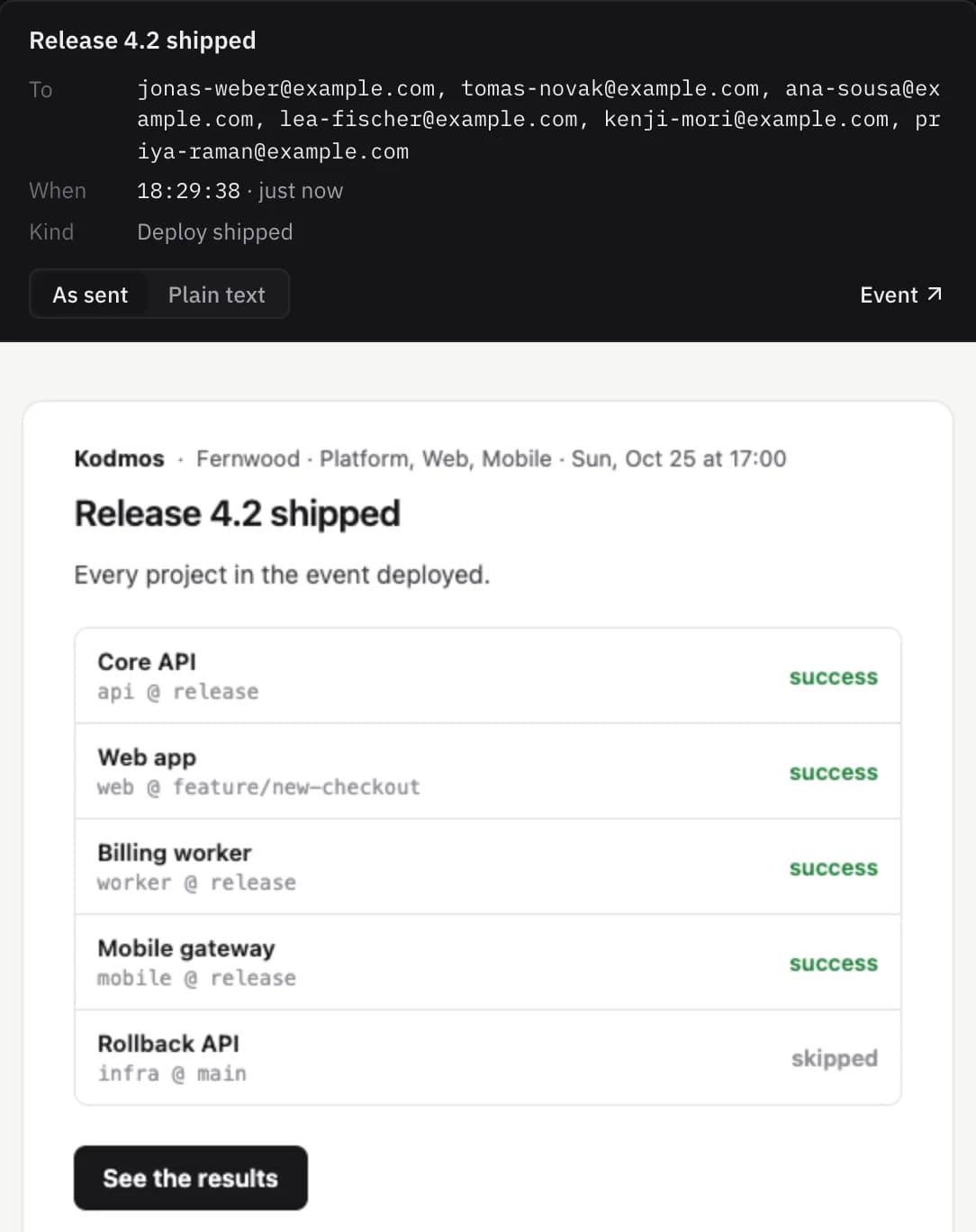
Everyone involved gets an email when the deploy starts and another when every flow has finished, with each project’s result. DevOps also hears about failures. A failed project can be retried from the event and keeps the event’s branch; every answer, change and deploy stays in the event’s activity.

More use cases
Ship a hotfix with the rollback already armed
One branch straight to production. If the API fails, the rollback runs on its own and the web app is skipped.
Deploy staging on every push, across repositories
Auto-start attaches to the workflow GitHub ran for a push and carries the chain on from there.
Ship infrastructure before services, with environment approvals
Cluster changes wait for the environment’s reviewers; the worker that depends on them starts only once they are done.